
The problem with tracking gold on its own
Gold and silver you hold yourself don't show up in any brokerage account. A metals-only app can tell you what your ounces are worth, but not what share of your portfolio they are, or how they've moved against your stocks this year.
That's usually where the spreadsheet comes in: one tab for metal, one for shares, one for crypto, and a total that's only as fresh as the last time you updated it.
How it works in Vault
- Add what you own by hand: how much gold or silver, and your purchases as transactions.
- Vault prices it at market prices, so its value moves with the market without you updating anything.
- It counts everywhere: in your total balance, your performance chart, and your asset breakdown.
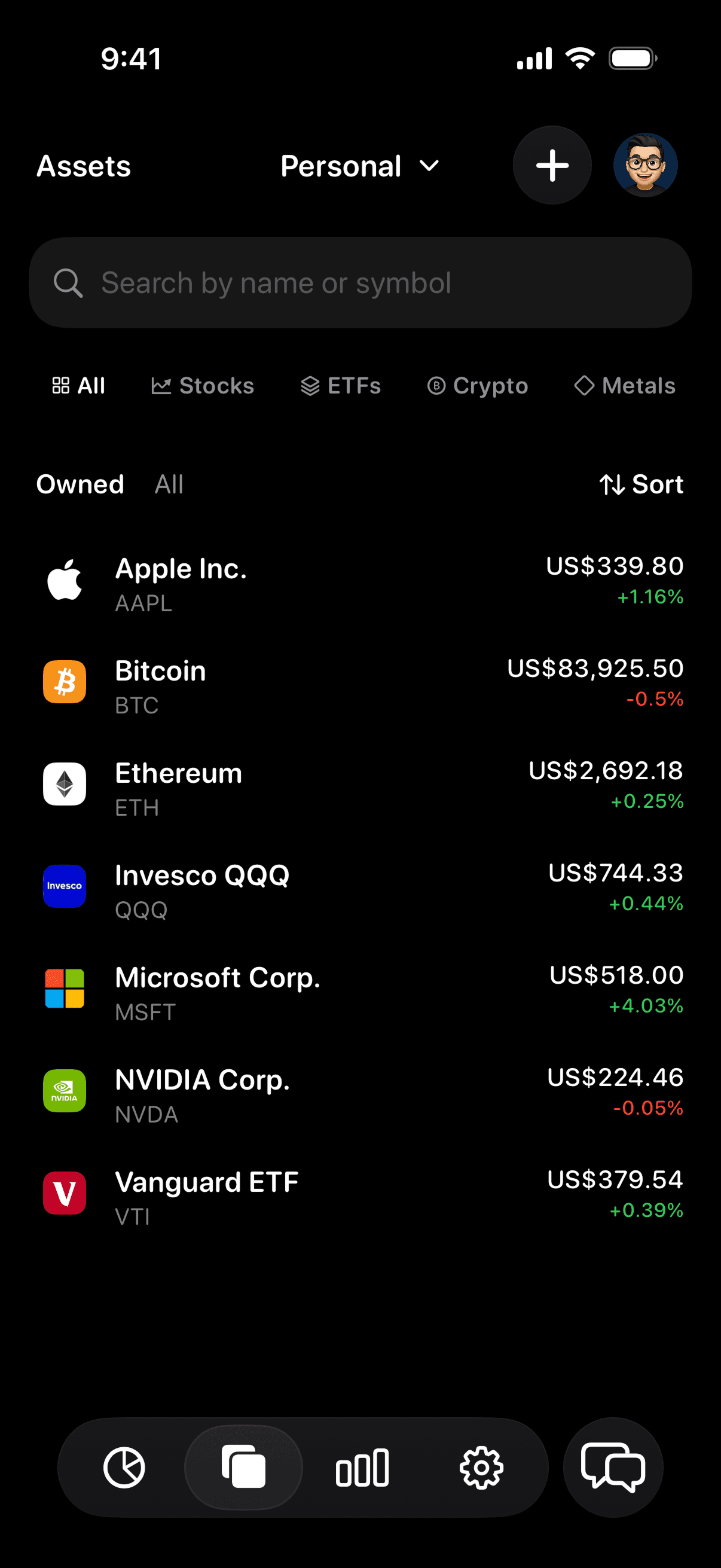
- Filter to just your metals whenever you want to see that part of your portfolio on its own.
See gold's place in your whole portfolio
People often hold gold and silver to balance out the rest of their portfolio, which only works if you can see the rest of the portfolio. In Vault, metal sits next to your stocks, ETFs, and crypto, so you can see how large a share it is. You can also ask Ask Vault about your allocation in plain language. It's information about what you hold, not advice on what to buy.
Bullion, gold ETFs, and mining stocks
These are different holdings, and Vault treats them that way. Gold and silver you own directly go in as gold and silver. A gold ETF or a mining company is tracked like any other ETF or stock, with its own ticker and price.
That distinction matters when you look at your allocation: a mining stock moves with the company as well as the metal, and Vault keeps them in their own categories.
What the number does and doesn't include
Vault values metal at market prices. That's the right number for tracking your portfolio over time, but it isn't a quote. What a dealer pays for a specific bar or coin can be different, and Vault doesn't estimate premiums or collector value. Vault also doesn't buy, sell, or store metal.