Why so many people start with a spreadsheet
It costs nothing, you control every column, and you can calculate exactly what you care about. In Google Sheets, the GOOGLEFINANCE function can pull prices for many stocks and funds. Excel for Microsoft 365 and Excel for the web have a Stocks data type that does something similar.
For a handful of stocks you rarely trade, that can be all you need.
Where spreadsheets get painful
- Every change is manual. Each buy, sell, and transfer has to be typed in, and one missed row quietly throws off your totals.
- Price coverage varies. Built-in functions are strongest for listed stocks and funds. Crypto, gold, and silver depend on the tool, and often mean add-ons, workarounds, or typing prices yourself.
- Quotes can lag. Google notes that GOOGLEFINANCE quotes may be delayed by up to 20 minutes.
- Formulas break. A pasted row or renamed tab can break a sum without any warning.
- Phones are an afterthought. Checking a wide spreadsheet on a phone is rarely pleasant.
- History takes work. Seeing performance over time means saving snapshots yourself.
What a spreadsheet still does better
Be honest about this part. A spreadsheet is free, works offline, and can model anything: custom tax-lot math, retirement projections, what-if scenarios. If you enjoy building those, an app won't replace that, and plenty of people keep a spreadsheet for analysis alongside an app for day-to-day tracking.
What an app does better
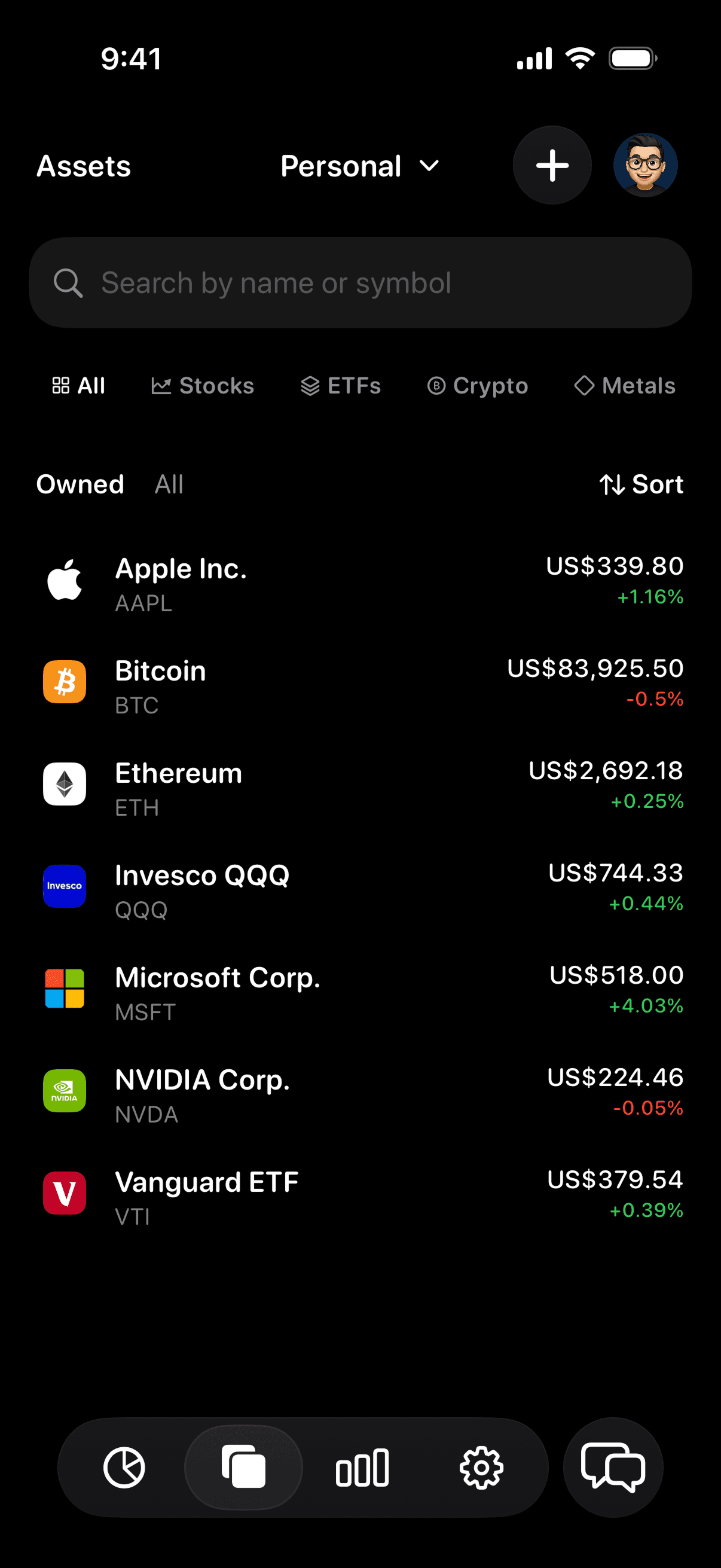
A portfolio tracker app keeps prices current for you across asset types, shows performance over time without snapshots, and puts the whole picture on your phone. Vault, for example, tracks stocks, ETFs, crypto, gold, and silver in one total, can import holdings read-only from supported brokerages, and lets you open any holding to see its price history and your position. It costs $9.99 per month or $59.99 per year in the US after a 7-day free trial, which is the trade-off against a free spreadsheet.
How to choose
A spreadsheet is probably enough if you hold a few stocks or funds, rarely trade, mostly check on a computer, and enjoy maintaining it.
An app is probably worth it if you hold more than one kind of asset (say stocks plus crypto or gold), check your portfolio on your phone, or keep falling behind on updating the sheet.
Moving from a spreadsheet to an app
Your spreadsheet is a good starting list. Connect the brokerages you can, then use the sheet to add the rest by hand: crypto in wallets, gold and silver you hold, and anything you'd rather not connect. Check that the app's total matches your sheet once, and from then on let the app handle prices.